eSign.AIeSign.AI

What is eSignature API Integration?

eSignature API Integration is a technical connection method that embeds electronic signature capabilities into an enterprise’s existing business systems through interfaces, making contract generation, signing initiation, signer configuration, status queries, result callbacks, and file archiving part of the business process. It is suitable for scenarios such as CRM, HRM, ERP, OA, financial systems, e-commerce platforms, and self-built business platforms, helping enterprises reduce system switching and improve signing process automation and business data integration efficiency.

A signing integration approach closer to your business systems

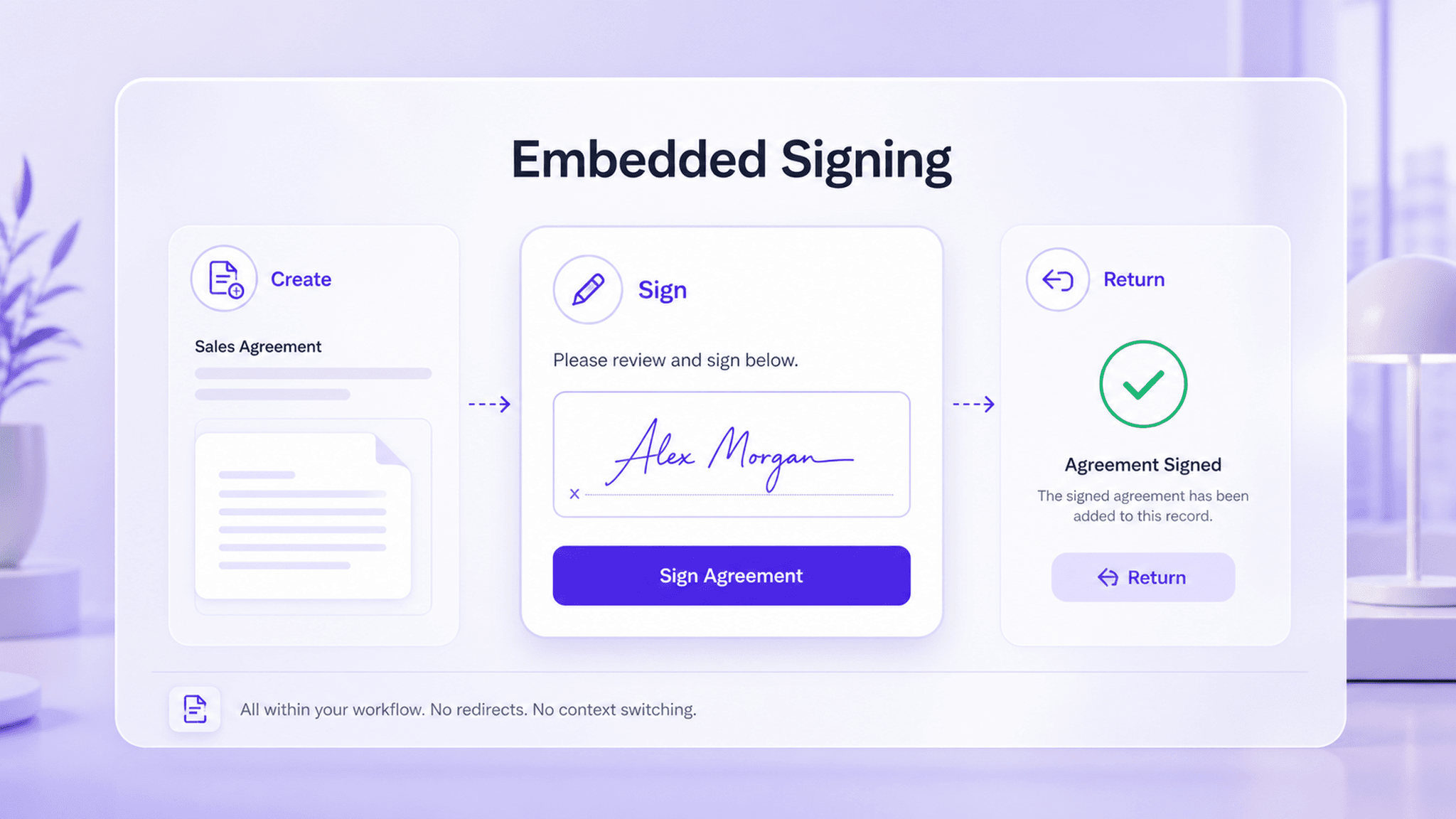
If contract signing remains on a standalone platform, business data and signing statuses have to be manually transferred. API integration embeds initiation, tracking, and callbacks into existing systems, making signing part of the business process.

Embed into existing business systems interface

Embed into existing business systems

Development teams can connect signing capabilities to HR systems, sales CRM, procurement platforms, customer portals, or internal OA. Business data can automatically populate contract fields, signing workflows can be initiated within the original system, and results can be synchronized back to business records after signing is completed, improving data consistency and process continuity.

  • Connect to HR and CRM systems
  • Automatically generate contract fields
  • Write signing results back to business records
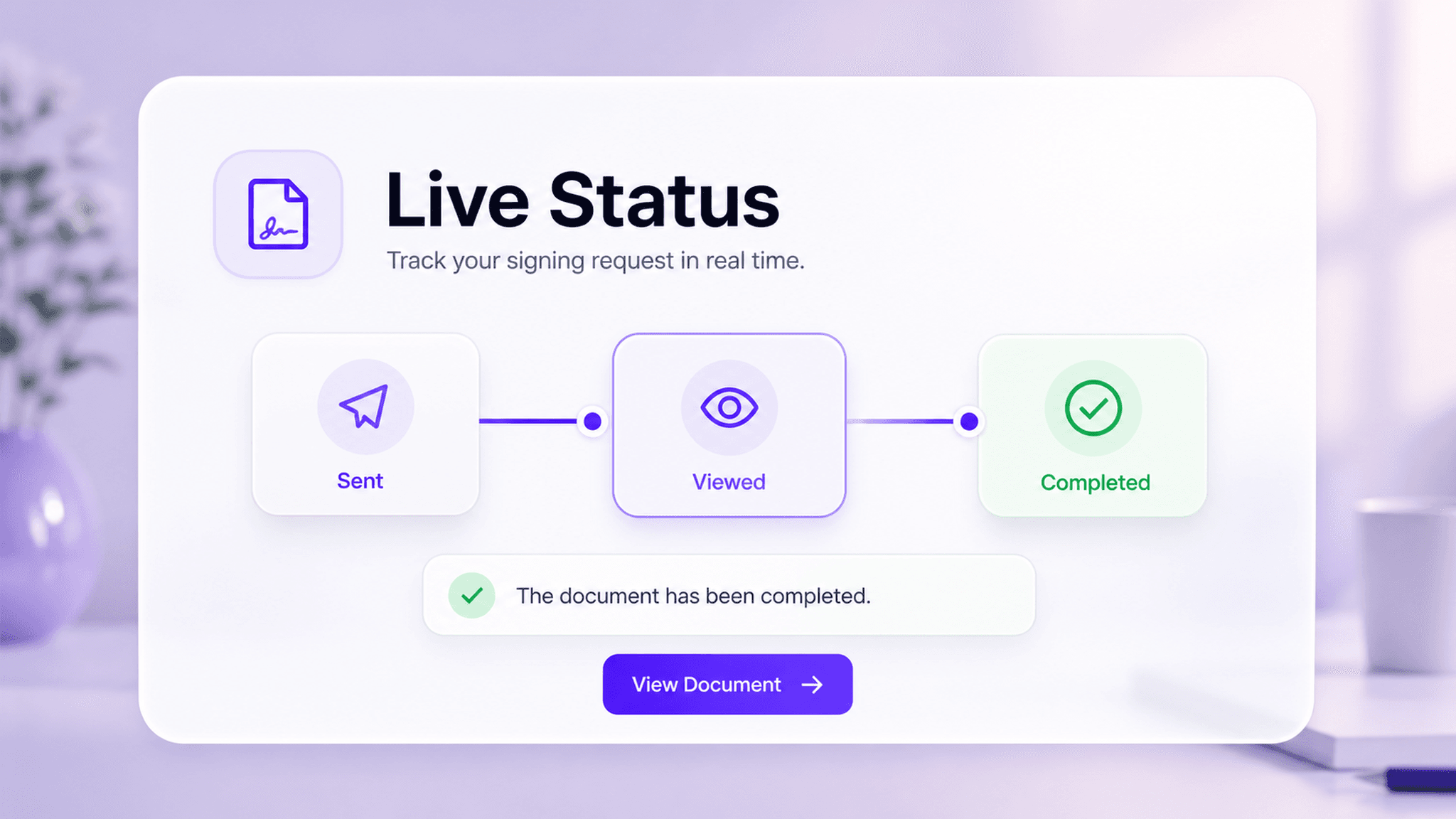
End-to-end status tracking interface

End-to-end status tracking

Enterprises can query signing progress through the API and use Webhook to receive real-time status changes such as signed, declined, withdrawn, and completed. For scenarios that require operational follow-up, system statuses can trigger automatic reminders, customer service alerts, or subsequent business processing.

API queryGet signing progress
WebhookReceive status changes in real time
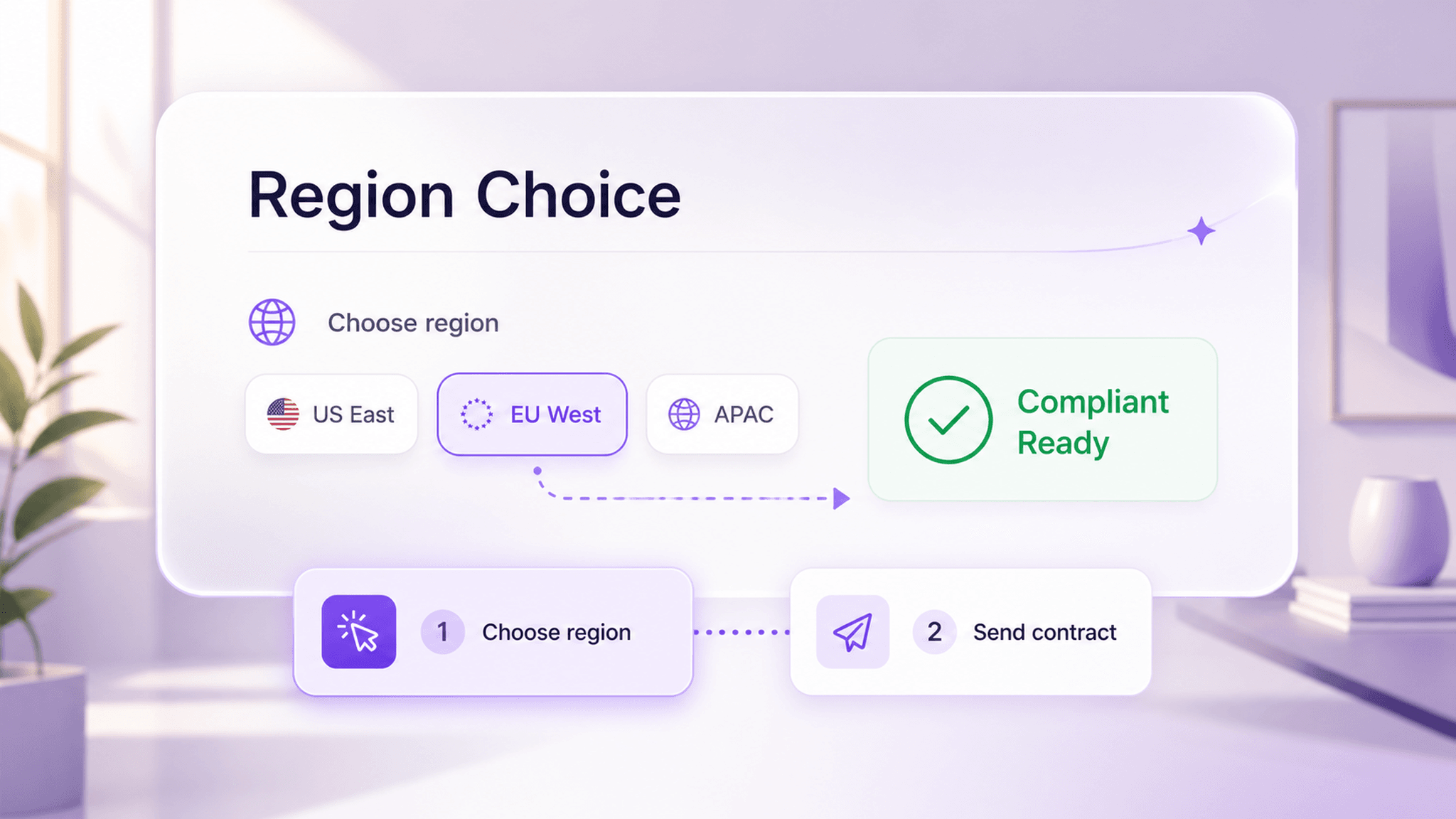
Multiple data centers and compliant deployment interface

Multiple data centers and compliant deployment

The platform supports multiple data centers, allowing enterprises to select the appropriate deployment region based on user location, business region, and data compliance requirements. For cross-border business, a data center strategy helps balance data sovereignty, access performance, and privacy compliance.

  • Choose deployment by business region
  • Optimize access performance
  • Meet data compliance requirements

Feature value

By embedding electronic signatures into business systems through API and Webhook, enterprises can turn contract signing into part of an automated workflow, improving system collaboration and data consistency.

Reduce system switching

Complete the signing process within the enterprise’s existing business systems.

Improve automation

Connect contract generation, signing, archiving, and subsequent business actions through API and Webhook.

Enhance process observability

Get signing statuses and exception information in real time to support business follow-up.

Support global business expansion

Meet compliance and performance requirements in different regions with multiple data center capabilities.

Typical business scenarios

In business scenarios related to eSignature API Integration, enterprises can improve signing efficiency, collaboration quality, and process traceability based on specific workflow requirements.

HR employment contract signing

Pain point

Employee information already exists in the HR system, but employment contract signing still requires manually exporting data, generating files, uploading them to a platform, and sending them back for archiving. The process is fragmented and prone to errors.

Solution

Connect electronic signatures to an HRM or ATS system through the API to automatically generate contracts, initiate signing, and write signing statuses and completed files back to employee records.

Reduce manual initiationWrite back to employee profiles
View solution

Simple Pricing, Clear Plans

Trial

For first-time users and document recipients

Free

Start free trial

Key features:

  • Secure document storage and management
  • Fast e-signing
  • Team seal management
  • Email support

Basic

For individuals and small teams with essential e-signature needs

US$24.9/mo

Buy now

Includes all Trial features, plus:

  • Up to 100 sends per year
  • SMS-assisted workflows
  • Unlimited users
  • AI Center
Learn more

Advanced

Custom billing for complex enterprise requirements

Contact us

Contact sales

Includes all Professional features, plus:

  • Watermark settings
  • One billing account for multiple workspaces
  • Custom user roles
  • Advanced API integration
  • Priority technical support
Learn more

eSignature API Integration FAQ

Frequently asked questions about eSignature API Integration.

eSignature API Integration means embedding file upload, signer setup, signing initiation, status query, and file management capabilities into an enterprise’s existing systems through interfaces.

See how this feature fits your business scenario

Talk with an eSign.AI consultant about your signing workflows, compliance requirements, and integration needs to get practical configuration guidance.

Contact sales